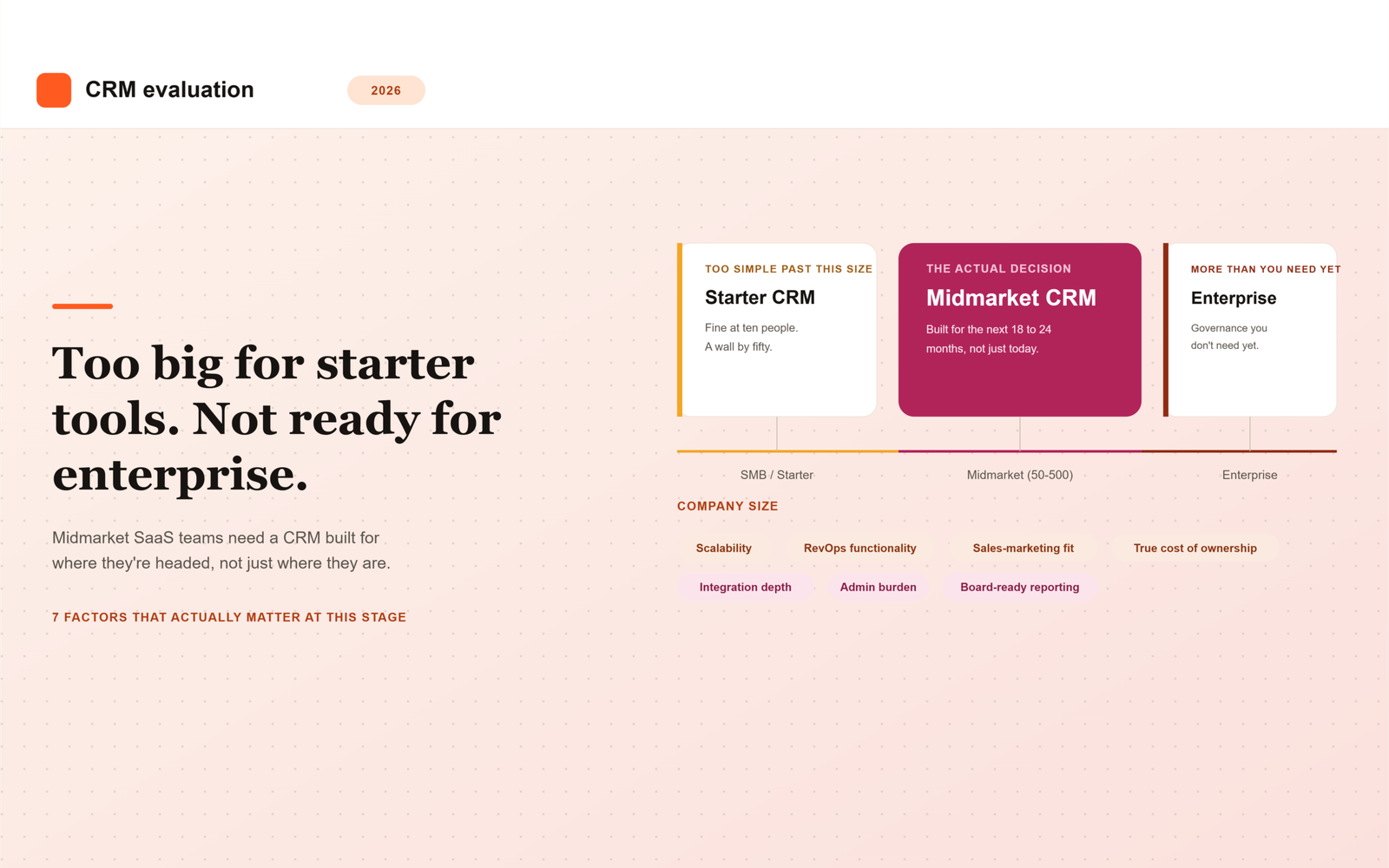
Midmarket SaaS teams sit in an awkward spot when choosing a CRM: too complex for a bare-bones starter tool, but not big enough to justify the cost and overhead of a fully customized enterprise implementation. Getting the choice right in 2026 comes down to a specific set of factors that matter more at this stage than at either end of the company-size spectrum.
Most CRM comparisons are written for one of two audiences: early-stage founders picking their first system, or enterprise buyers running a formal RFP process. Midmarket teams end up borrowing advice from both, and neither fits particularly well. A checklist built for a five-person sales team ignores the reporting and alignment problems that show up once you have fifty reps. A checklist built for a Fortune 500 rollout assumes a dedicated admin team and a budget that most midmarket companies simply do not have.
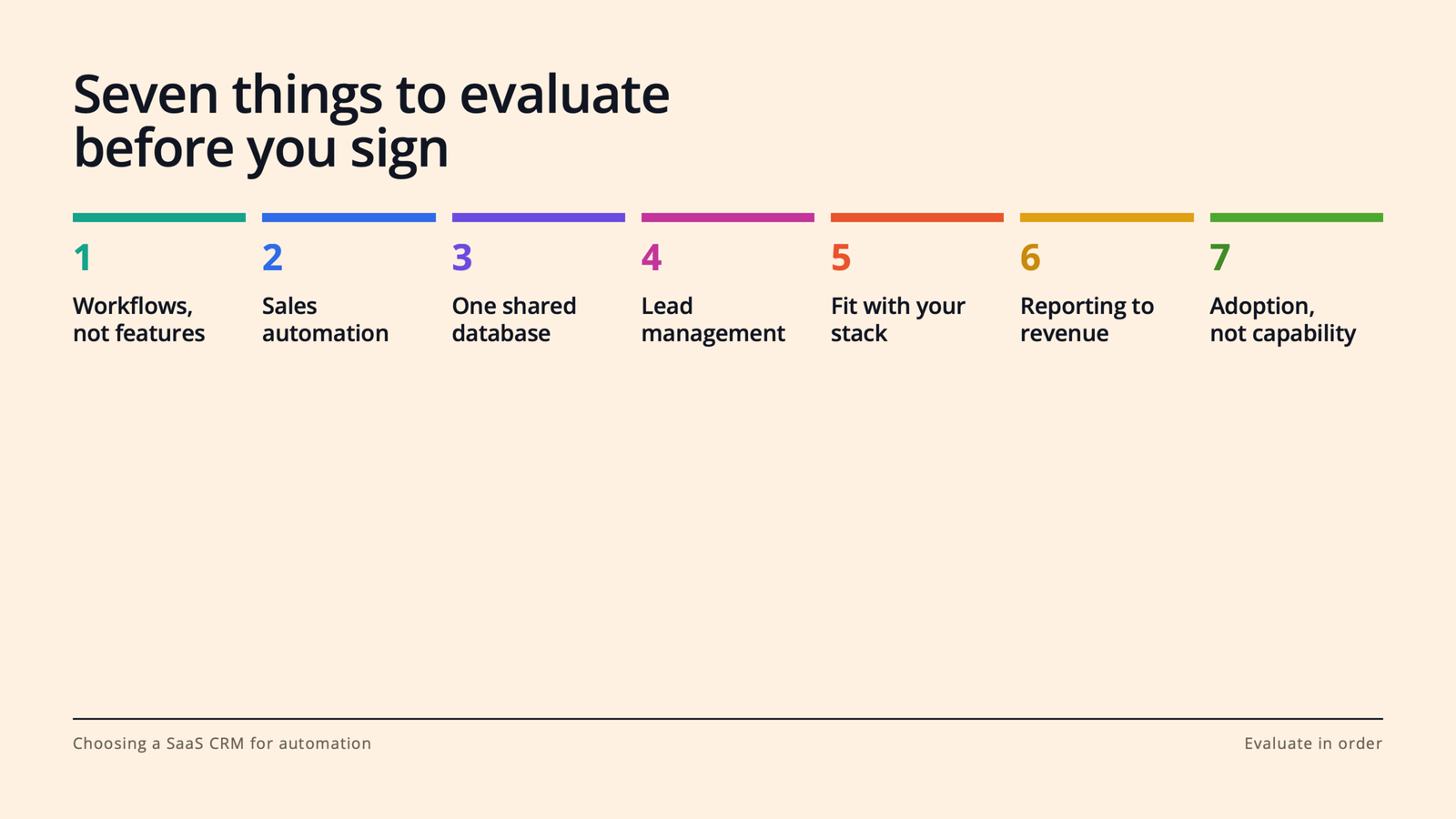
This guide covers the seven factors that matter specifically at midmarket scale, along with a practical way to score vendors against them.
Why Midmarket Teams Need a Different Evaluation Lens
Early-stage teams optimize for speed and low cost. They need something running by next week, and they can tolerate manual workarounds because the team is small enough to compensate informally. Enterprise teams optimize for customization and governance. They have the budget, the headcount, and the compliance requirements to justify a long, structured implementation.
Midmarket SaaS teams, typically somewhere between 50 and 500 employees, with sales, marketing, and customer success functions that are established but still evolving, need to optimize for something else entirely: a system that scales with them for the next few years without requiring a disruptive re-platform in the middle of a high-growth window.
This is also the stage where problems that were previously invisible start showing up in board meetings. A lead-routing gap that cost a few deals a month at 20 employees costs considerably more at 150. A reporting inconsistency between sales and marketing that nobody noticed before now shows up as two different pipeline numbers in the same slide deck. The CRM decision at this stage is really an infrastructure decision, not just a tool purchase.
The 7 Factors That Matter Most
These seven factors consistently separate a CRM decision that holds up for years from one that forces a painful redo within eighteen months.
1. Scalability Without a Painful Re-Platform
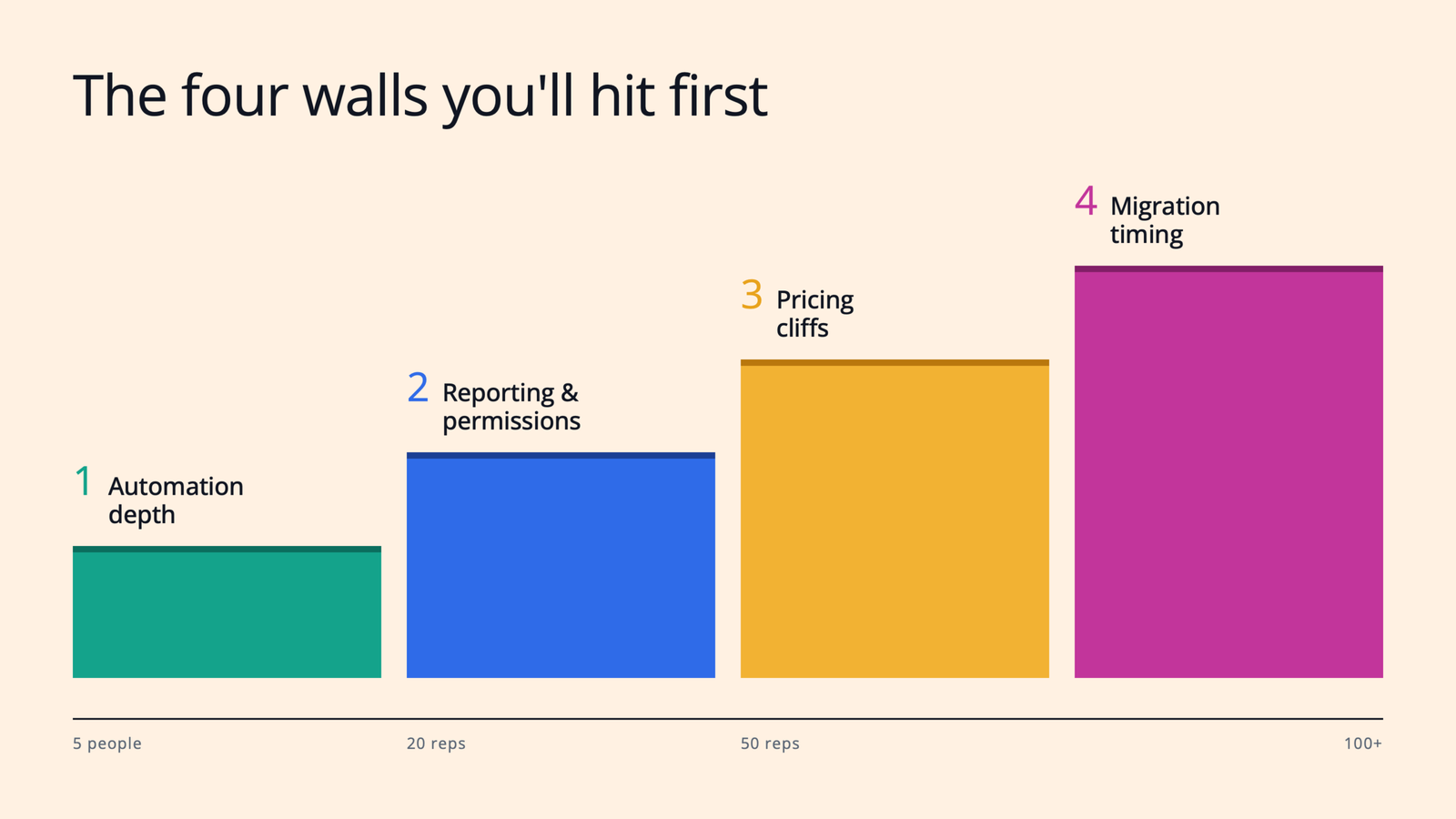
Choose a CRM that can genuinely support two to three times your current headcount and data volume without hitting a wall that forces a full migration. Ask vendors directly what breaks first as usage scales: record limits, automation complexity caps, or reporting performance, and at what company size their current customers typically outgrow the tier you’re considering.
Vendors are often reluctant to volunteer this information directly, since it points customers toward a more expensive tier sooner than the sales team would prefer. Ask for specific examples of customers who outgrew the tier you’re evaluating, and what the migration process actually looked like for them.
2. Native RevOps Functionality, Not Just Sales Pipeline Tracking
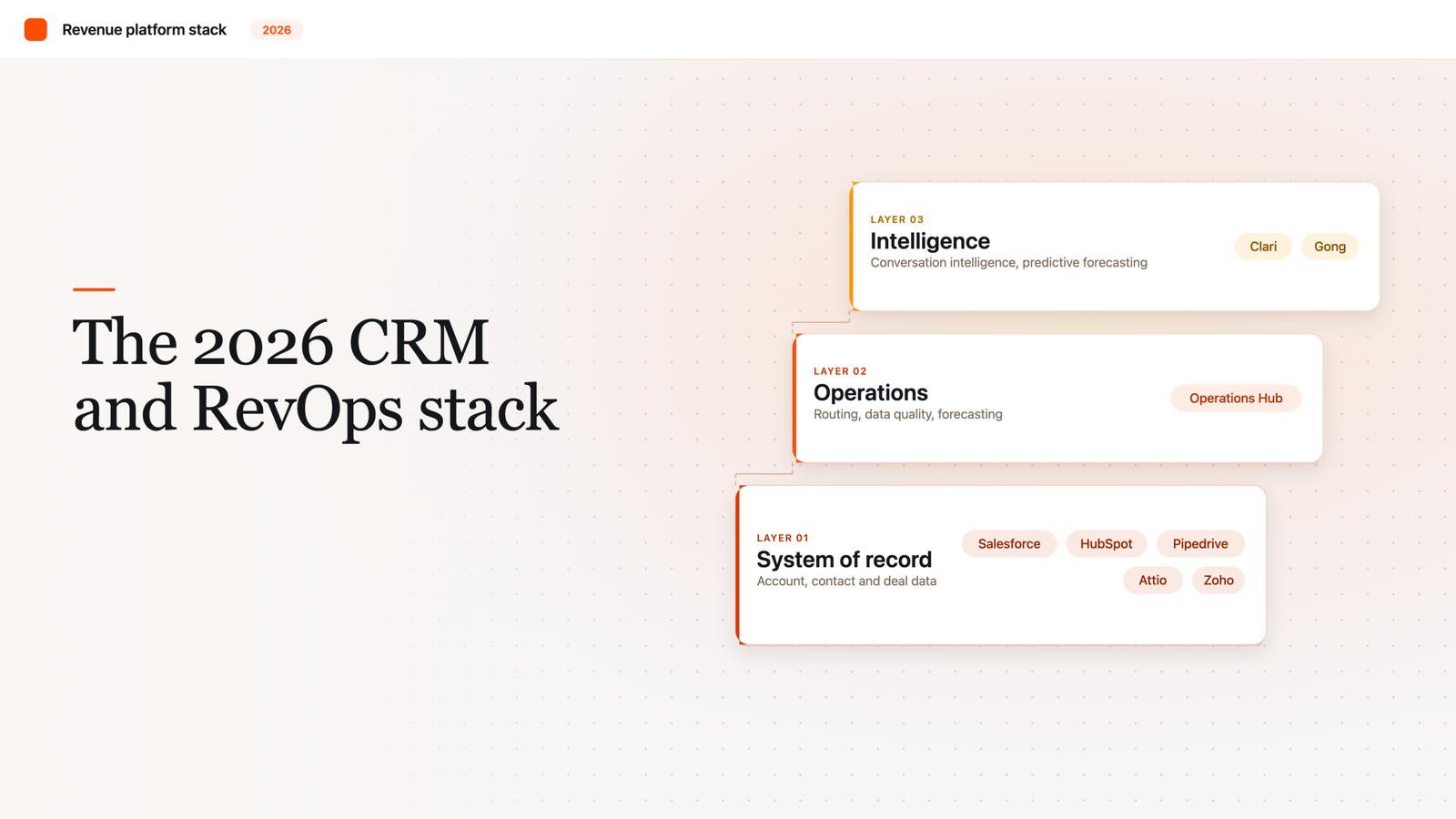
By midmarket stage, most teams need real lead routing, scoring, and forecasting capability built in, or easily layered on, not just a pipeline kanban board with a few custom fields. Confirm what’s native versus what requires a third-party add-on and additional cost, since “supports lead scoring” often means “supports it through an app marketplace integration you’ll have to configure and maintain yourself.”
Forecasting accuracy in particular tends to break down at midmarket size, once there are enough reps and enough deal volume that a manager can no longer sanity-check every opportunity by memory. A CRM with weak native forecasting infrastructure pushes that problem onto a RevOps hire who then has to build the missing pieces manually.
3. Sales and Marketing Alignment Features
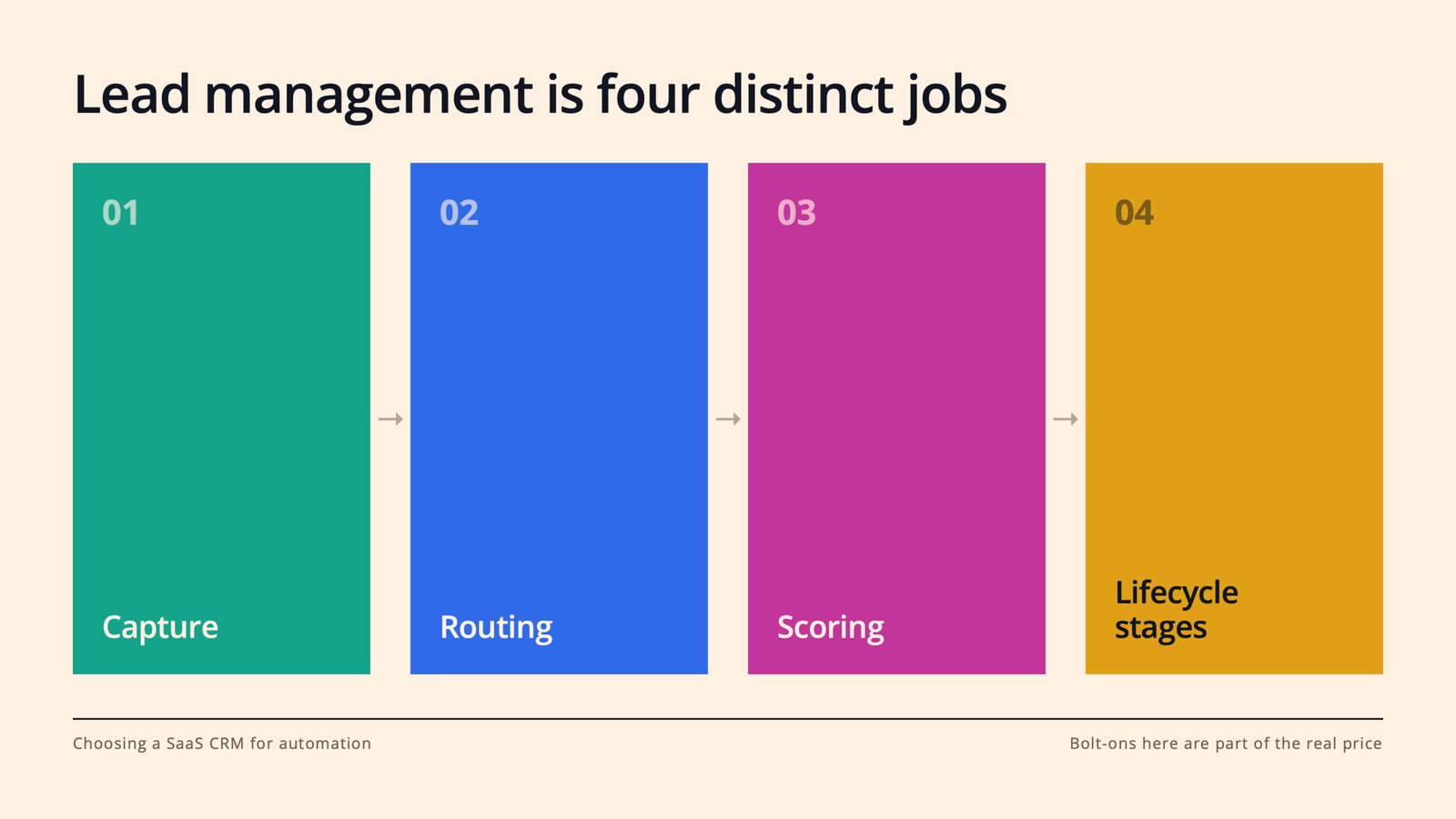
Midmarket is usually where marketing and sales start actively tripping over each other: overlapping lead ownership, inconsistent MQL and SQL definitions, and reporting that doesn’t match between teams even though both are looking at supposedly the same pipeline. Prioritize CRMs with strong shared reporting and lead-lifecycle management, not just contact records that both teams happen to view separately.
A useful test during evaluation: ask the vendor to show you exactly how a lead is scored by marketing, handed to sales, and tracked through to a closed deal, all inside one report. If that requires stitching together two separate dashboards, the alignment gap you’re trying to solve will likely persist regardless of which CRM you pick.
4. Total Cost of Ownership, Not Just License Price
Per-seat pricing looks manageable at midmarket headcount, but implementation, admin time, and add-on costs, especially for marketing automation and reporting, often double the real cost. Model total cost at your projected headcount 18 to 24 months out, not just today, since the sticker price you’re comparing rarely reflects what you’ll actually be paying once the team and the feature set both grow.
Ask vendors for a realistic total cost breakdown at your projected size, including required add-ons, not just the base license. Several CRMs that look cheaper on the pricing page become more expensive than the alternative once you add the modules midmarket teams typically end up needing within the first year.
5. Integration Depth With Your Existing Stack
Midmarket teams usually already run a marketing automation platform, a billing system, and a customer success tool. Evaluate how cleanly the CRM integrates natively with what you already have, rather than assuming custom integration work will be trivial for your existing team to build and maintain.
A native, well-maintained integration and a fragile third-party connector both show up as “supports integration” on a vendor’s feature page. The difference only becomes obvious once something breaks during a sync, so ask specifically how the integration handles field mapping conflicts and what happens when the connected system changes its API.
6. Admin Burden and Internal Ownership
Midmarket teams rarely have a large dedicated CRM administration function. Choose a platform your existing team, often a single RevOps or sales ops hire, can realistically maintain, rather than one that requires a certified specialist or a consulting partner just to keep running day to day.
This factor gets overlooked most often during evaluation, since demos are run by the vendor’s most experienced solution engineers, not by the person who will actually be configuring workflows six months from now. Ask to see the admin interface directly, and ask how much training a typical new admin needs before they can make changes independently.
7. Reporting That Holds Up in Board and Leadership Meetings
By midmarket stage, leadership expects accurate pipeline coverage, forecast accuracy, and conversion metrics on demand. Confirm the CRM’s native reporting is trustworthy enough for these conversations without requiring manual spreadsheet reconciliation every reporting cycle.
A good test is to ask the vendor to reproduce a report you currently build manually, using only their native reporting tools, live during the demo. If it takes several workarounds or an export to a spreadsheet to get there, that gap will resurface every single board cycle after you’ve signed the contract.
Quick Comparison
The table below summarizes why each factor carries more weight specifically at midmarket scale, compared to either an earlier or later stage.
| Factor | Why It Matters Specifically at Midmarket |
|---|---|
| Scalability | Avoids a disruptive re-platform during a high-growth window |
| Native RevOps functionality | Pipeline tracking alone is no longer enough at this stage |
| Sales-marketing alignment | Handoff friction becomes a real revenue leak at this size |
| True cost of ownership | License price alone significantly understates real cost |
| Integration depth | Stack is established; poor integration creates daily friction |
| Admin burden | Most midmarket teams lack a large dedicated admin function |
| Board-ready reporting | Leadership expectations rise sharply at this stage |
How to Use This List When Evaluating Vendors
Rather than treating these as a generic checklist, score each vendor against your specific 18 to 24 month headcount and revenue projections, not just your team’s size today. A CRM that fits perfectly right now but forces a re-platform in eighteen months often ends up costing more, in both dollars and disruption, than choosing slightly ahead of your current needs.
A practical way to run this is to build a simple scorecard with these seven factors as rows and your shortlisted vendors as columns, then score each cell based on direct answers from the vendor rather than marketing copy. Where a vendor cannot answer a question concretely, for example, exactly what breaks first as usage scales, treat that gap itself as useful information about how the conversation will go after you’ve signed.
Choose for Where You’re Headed, Not Just Where You Are
Midmarket is a transitional stage, and the CRM decision should reflect that. The teams that get this right treat the decision as choosing infrastructure for the next phase of growth, not just solving today’s pipeline tracking problem.
The most expensive CRM mistake at this stage is rarely picking a tool that’s too complicated. It’s picking one that looks simple and affordable today, then quietly running out of room exactly when the team can least afford a disruptive migration.
Frequently Asked Questions
How is a midmarket CRM decision different from a startup or enterprise one?
A startup optimizes for speed and low cost, tolerating manual workarounds because the team is small. An enterprise optimizes for customization and governance, with the budget and headcount to support a long implementation. A midmarket team needs something in between: a system that scales for the next few years without a disruptive re-platform, evaluated against admin capacity and total cost, not just feature checklists built for either extreme.
What’s the most common CRM mistake midmarket SaaS teams make?
Choosing based on today’s headcount and today’s license price rather than where the company will be in 18 to 24 months. A CRM that fits perfectly now but hits a scalability wall shortly after often ends up costing more overall, once the disruption of a forced migration is factored in alongside the original savings.
How much should we budget for total cost of ownership beyond the license fee?
There’s no universal number, since it depends heavily on which add-ons your team ends up needing, but implementation, admin time, and required integrations for marketing automation and reporting commonly double the sticker price by the time a midmarket team is fully using the platform. Always ask vendors for a realistic total cost projection at your expected headcount, not just the base license quote.
Do midmarket teams need a dedicated CRM administrator?
Usually not a large dedicated function, but most midmarket teams do need at least one person, often a RevOps or sales ops hire, who can maintain the system without outside help. The right CRM should be realistic for that single person to administer day to day, rather than requiring a certified specialist or ongoing consulting support just to keep it running.
How often should a midmarket team reevaluate its CRM?
There’s no fixed schedule, but it’s worth revisiting the decision whenever the company approaches a major growth inflection, roughly doubling headcount, entering a new market, or adding a significantly different go-to-market motion. Waiting until the system is visibly breaking usually means the migration happens under more pressure and at a worse time than if it had been planned ahead of the wall being hit.
What’s the difference between native RevOps functionality and third-party add-ons?
Native functionality is built directly into the core platform and maintained by the CRM vendor as part of the base product. A third-party add-on is a separate tool, often from the app marketplace, that has to be configured, licensed, and maintained independently, and can break or change pricing without direct coordination with the CRM vendor. Confirming which is which before signing avoids discovering the difference only after something stops working.